Laravel Security Best Practices for Modern Web Applications

Security in Laravel is not a feature you add after launch. It is a discipline you build from the first commit. Here are the practices that actually matter in production.
Laravel Security Best Practices for Modern Web Applications
Laravel ships with strong security features out of the box: CSRF protection, SQL injection prevention through the query builder, XSS protection through Blade's automatic escaping, and bcrypt password hashing as defaults. But defaults only protect against standard attacks. Most Laravel security failures happen not in the framework layer but in application-level decisions that bypass the protections Laravel provides.
Authentication and Authorization
Choose your authentication approach based on your architecture. Laravel Sanctum is the right choice for SPAs and mobile apps talking to a first-party Laravel API. Passport provides OAuth 2.0 for multi-client authorization scenarios. Custom JWT implementations introduce vulnerabilities that Sanctum and Passport have already solved. For authorization, every data access decision should be protected by a policy. Use $this->authorize() consistently. Missing authorization checks are one of the most common sources of data exposure vulnerabilities in Laravel applications.
SQL Injection Prevention
Laravel's query builder and Eloquent ORM use parameterized queries by default. Vulnerabilities appear when developers use DB::select() with string interpolation or whereRaw() with unescaped user input. Never concatenate user input directly into raw queries. Always use parameterized bindings or Eloquent query builder methods exclusively.
XSS Protection
Blade templates escape output with double curly braces by default. The vulnerability appears with raw output directives. Every use of raw output must be audited carefully. Content stored in the database should be sanitized at write time using HTMLPurifier before it is ever output as raw HTML to the browser.
Rate Limiting on Critical Endpoints
Apply rate limits to all authentication endpoints, password reset flows, contact forms, and any endpoint that triggers expensive operations or sends external communications. Without rate limiting, brute force attacks on login endpoints are trivially easy to execute and often automated at scale targeting Laravel applications specifically.
Production Environment Hardening
APP_DEBUG must be false in production: Debug mode exposes stack traces containing environment variables, database credentials, and application secrets. This is the single most dangerous and most common Laravel misconfiguration in deployed applications.
Environment variable security: Never commit .env files to version control. Use platform-provided secret management for production credentials. Rotate all credentials immediately if any have ever been committed.
File upload validation: Validate file types by MIME type, not just filename extension. Store uploaded files outside the public directory and serve them through a controller that enforces authorization on every access.
Security Headers
Configure Content-Security-Policy, X-Frame-Options, X-Content-Type-Options, Referrer-Policy, and Permissions-Policy headers via middleware. These headers prevent clickjacking, MIME sniffing, and cross-origin data leakage at zero performance cost to the application.
Case Study: Security Audit Findings
A security audit of a 3-year-old production Laravel application revealed: debug mode enabled in production, 12 routes missing authorization checks, 3 SQL injection vulnerabilities via raw queries, and no rate limiting on authentication endpoints. None of these exploited framework defaults. All were application-level decisions made under time pressure. Remediation took 2 weeks. A proper security review during development would have taken 2 hours.
Expert Insights
- Security is a practice, not a phase: Schedule security reviews at pull request time. Most vulnerabilities are easier and cheaper to fix before reaching the main branch.
- Use Enlightn for automated scanning: Enlightn checks Laravel applications for 120+ security issues automatically. Run it in CI on every deployment as a baseline check.
- Log all authentication events: Successful logins, failed logins, password resets, and permission denials should all be logged with IP and timestamp for incident response capability.
- Run composer audit regularly: Identifies known vulnerabilities in PHP dependencies before they are exploited in production systems.
Visual Strategy
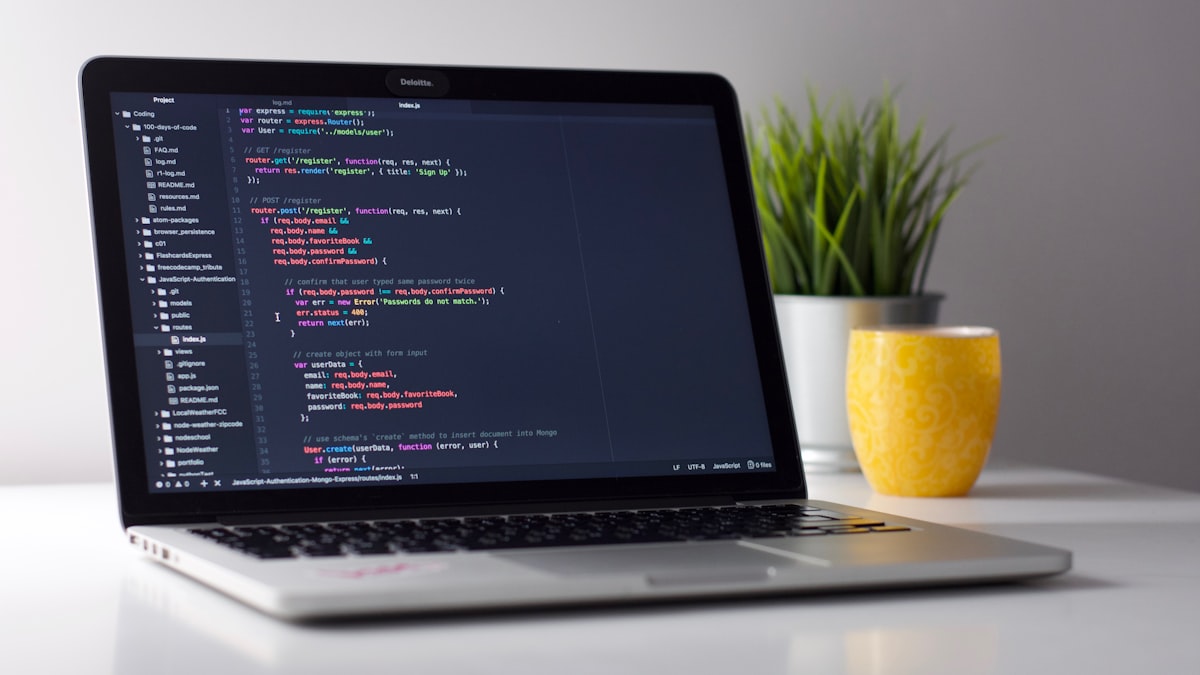
- Image 1: Security lock and code visualization — Unsplash: cybersecurity
- Image 2: Security audit checklist — Pixabay: security checklist
- Infographic: Laravel Security Layers — authentication, authorization, input validation, output encoding, transport security
Conclusion
The practices in this article cover the 90% of vulnerabilities found in real Laravel application audits. Nectar Digit builds security into every Laravel application from the first commit. Contact us to discuss your security requirements.
Related: Cybersecurity Services | Securing Laravel from Cyber Attacks
External: Laravel Security Docs | MDN Web Security